Elon Musk ha reposteado

X Freeze
@XFreeze
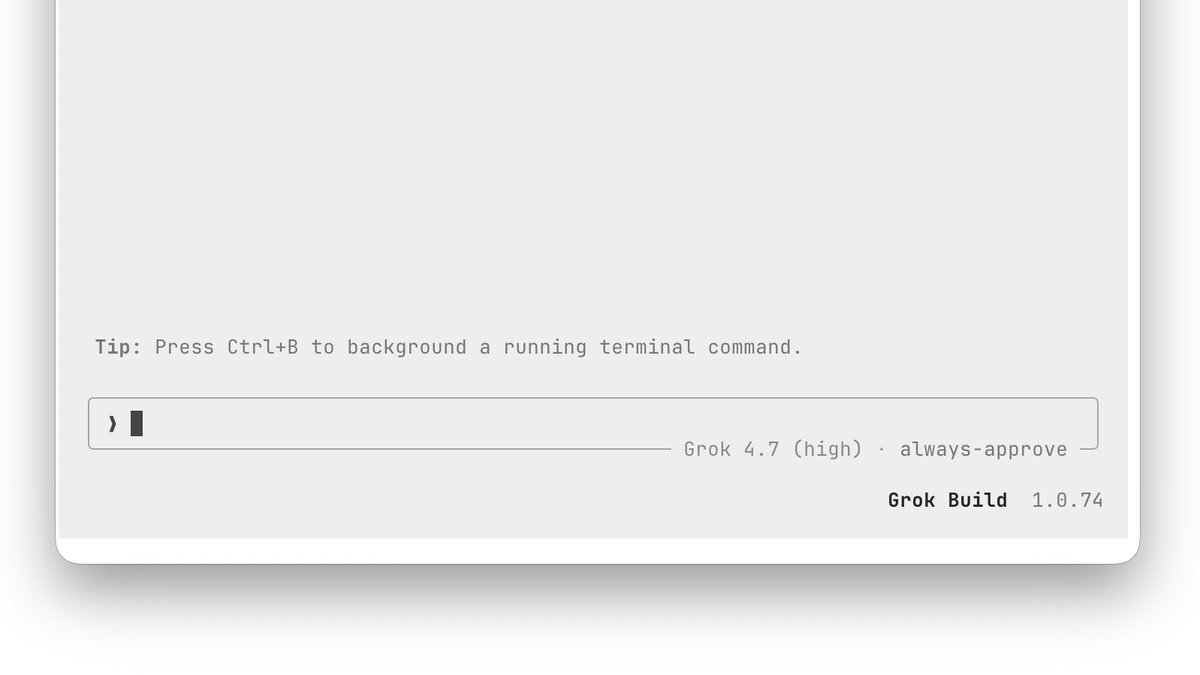
Grok Build just got a massive performance and reliability upgrade, with improvements across multi-agent workflows, terminal responsiveness, session recovery, and overall stability
Long-running sessions now use less memory, large JSON and log pastes no longer freeze the terminal, Linux file watching uses significantly less CPU, and background subagent activity triggers far fewer unnecessary screen redraws
Session resuming is also much faster, subagent conversations are easier to follow, shell approvals now explain why commands were blocked, and `@` file navigation can access files outside the workspace
There’s also a huge reliability pass covering safer updates, MCP authentication, context window handling, workflow execution, Windows and macOS stability, and more reliable headless sessions
Grok Build keeps getting better at handling bigger projects, longer conversations, and increasingly complex multi-agent workloads without slowing down
Release Notes: v1.0.74
Features:
• Messages between subagents appear as left-aligned rows under the bullet that name the sender and recipient, replacing the centered rows
• Shift+Enter inserts a newline in VS Code and other xterm.js-based terminals that use the Kitty keyboard protocol
• `/mcps`: when a browser can't open an MCP server's sign-in URL, the URL shows in a panel you can copy with `c` or the [Copy the url] button
• [Copy] button in a finished `/btw` panel and its folded transcript row copies the whole answer, even when only part of it is visible
• Shell approval cards say when Auto-review blocked a command or couldn't review it, and Ctrl+F shows the reviewer's explanation
• `!` mode Tab completion offers commands installed as symlinks, such as Homebrew, npm, rustup and Debian alternatives binaries
• Quotes in replies get a [Copy] button that copies the whole quote as Markdown without its `>` markers
• Named subagent links open on a plain click, so they work over SSH from macOS where a modified click can't reach Grok
• `@` paths outside the workspace: an `@` path that starts with `/`, `~/` or `../` lists files from that folder; set `[ui] at_picker_outside_workspace = false` to turn it off.
• Picked `@` files in the prompt can be edited in place: Backspace at the end of one reopens the picker on its path, and Left or Right puts the cursor inside it to change the path
Bug Fixes:
• Built-in skills, agents and workflows are refreshed when their local cache's manifest is missing or corrupt, instead of staying outdated or failing every sync
• Ctrl+Y on a question card no longer closes it without an answer; while you type an answer, it pastes back text cut with Ctrl+K
• `/new` tabs show the context window you just switched to before the new session replies
• Resumed sessions show a background command's completion in the turn that ran it, with its real run time instead of about 0.0s
• `grok update` runs when GROK_SANDBOX, --sandbox, or config sets a sandbox profile, unless Grok is already running confined
• `/btw` on a very short terminal no longer swallows arrow keys, Page Up/Down or clicks while its panel is too small to draw
• A code block's [Copy] in the transcript copies while a queued prompt is open for editing, instead of copying nothing or closing the edit
• `grok logout` stays signed out when another running Grok refreshes its sign-in, instead of signing you back in on the next launch
• Opening links and files from the TUI no longer leaves a zombie process behind for each click
• A failed session delete shows the "Couldn't delete session" prefix once, so the reason is no longer cut off
• Windows: Grok exits fully after a startup error, a `/minimal` or `/fullscreen` switch, or a signal, instead of sometimes hanging
• Grok running confined in a sandbox never starts an update on its own and tells you to run `grok update` instead
• Quitting to install an update with Ctrl+U on the welcome screen exits within the usual exit deadline instead of sometimes hanging after "Update installed"
• `grok update --force-reinstall`, or `grok update --version` with the installed version, keeps your working Grok on Linux and macOS when the download fails its checks, instead of deleting it
• Windows installers check that the downloaded build runs before replacing grok.exe and agent.exe, and keep the existing install when it doesn't, such as when a proxy serves a blocked-download page
• Command-line arguments that aren't valid UTF-8 no longer crash Grok at startup: paths such as --cwd accept them, and text such as -p gets a usage error
• Installers keep the installed Grok when a proxy or cache returns an empty download, instead of replacing it with an empty file and reporting success
• Environment variables with non-UTF-8 bytes no longer stop Grok from starting.
• Workflow run lines in the transcript end with what the run returned instead of a bare colon, `/tasks` shows the time it was taken, and polling an unknown task id leaves a row with its error
• Headless runs stopped by Ctrl+C or SIGTERM end their json, streaming-json or streaming-messages-json output with a closing record that keeps the run's outcome, instead of cutting off the stream
• macOS: the TUI no longer freezes when it runs inside a sandbox that blocks the window server
• `grok -p --resume` shows why a session couldn't load instead of always "Session does not exist", and with `--output-format json` a resume, continue or fork that fails before the session opens prints one JSON error
• Sessions with an unrecognized reasoning effort or unreadable bytes in their history resume instead of failing: the session runs at the model's default effort and says so once, and the unreadable lines are left out of the transcript
• Windows: on older consoles such as plain cmd.exe and Windows PowerShell windows, status marks and selection arrows in workflow views, the dashboard, and the feedback and extensions dialogs show as >, ·, √ or x instead of empty boxes
• File paths with spaces in inline code, such as `~/Library/Application Support/...`, link to the whole path when it exists instead of stopping at the first space.
• Feedback that can't be sent leads with the outcome, such as "Couldn't send feedback. Saved to Drafts.", then gives the reason and says to retry from `/feedback`.
• Dialog tab labels, shortcuts and settings rows that don't fit end in … instead of being cut off
• Prompt history search highlights matched letters in the same color as other fuzzy lists, and the counts on the `/` and `@` menu borders are dimmed like other border captions
• Dashboard: the peek header reads Responding while a reply streams, and the Esc footer hint reads new agent like the other lowercase hints
• Custom agent files saved with a UTF-8 byte order mark, as some Windows editors write them, load instead of being skipped
• Running markers in workflow views and MCP servers that are still starting use the theme's running color, like other progress indicators
• Minimal mode: "Sign-in failed" shows in the error color instead of the warning color.
• Context window: a larger window picked with `/context-window` or set with `context_window` in a `[model."<id>"]` table stays in effect, so compaction no longer starts early after the session sits idle, after a failed request such as a rate limit, or until you restart
Performance:
• Long sessions use less memory: finished Markdown blocks far off screen release their rendered layout, and search still finds their text
• Typing no longer lags when ffmpeg isn't installed and PATH holds slow directories, such as Windows drives under WSL
• Long pastes that arrive as keystrokes, such as pastes on native Windows or in terminals without bracketed paste, no longer freeze the prompt for seconds while the plan-mode tip is on
• Pasting long single-line text such as logs, JSON or base64 into the prompt no longer freezes the TUI for seconds
• File watching on Linux no longer keeps a CPU core busy for about a minute after startup in large repositories.
• Lower CPU use while subagents run: the TUI repaints only for animations on screen, about 7 times a second instead of 30 when no running row is visible
• `grok --resume <id>` opens much faster on large session stores, reading only the resumed session instead of every session
 X Freeze@XFreeze· 27 oct 2026
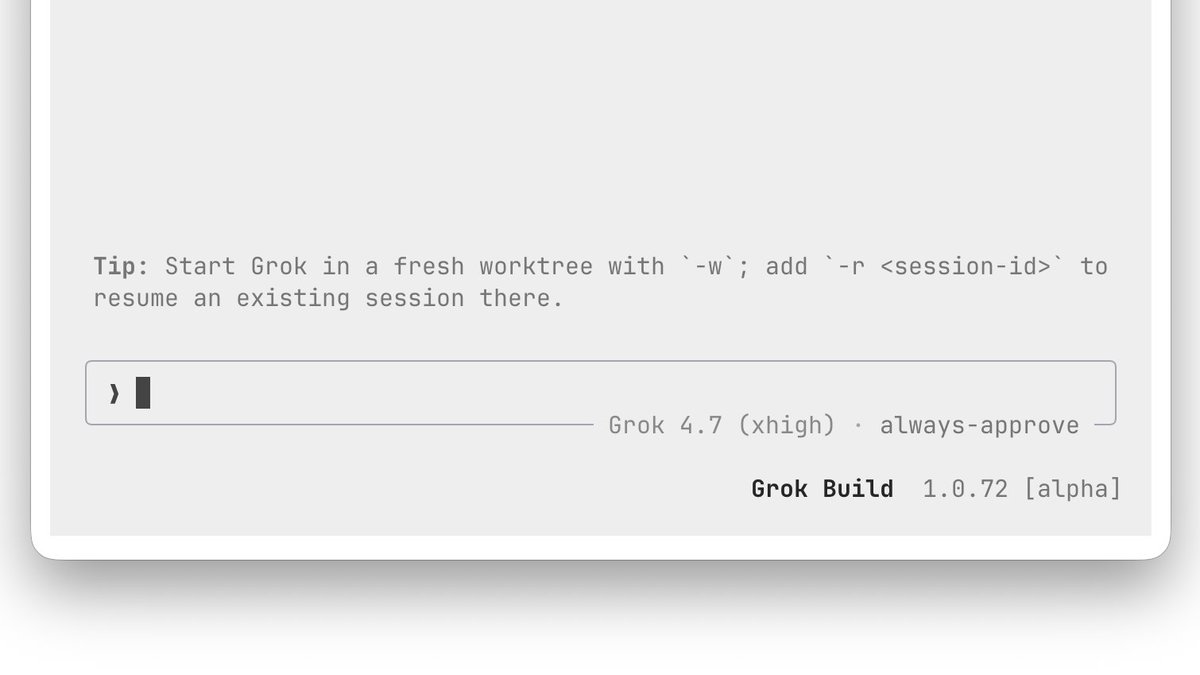
Grok Build just got a powerful new update, turning its terminal into an even more interactive command center for multi-agent workflows.
File paths, subagent IDs, background tasks, and pull-request numbers are now clickable directly from agent replies, while workflow navigation
07:36 · 3 de noviembre de 2026 · 178,4 mil visualizaciones
44
79
585